LiftMaster Keypad Manual: A Comprehensive Guide (Updated 12/13/2025)
Welcome! This detailed manual provides instructions for programming, resetting, and troubleshooting your LiftMaster garage door keypad, ensuring secure and convenient access․ Today’s date is 12/13/2025․

Understanding Your LiftMaster Keypad
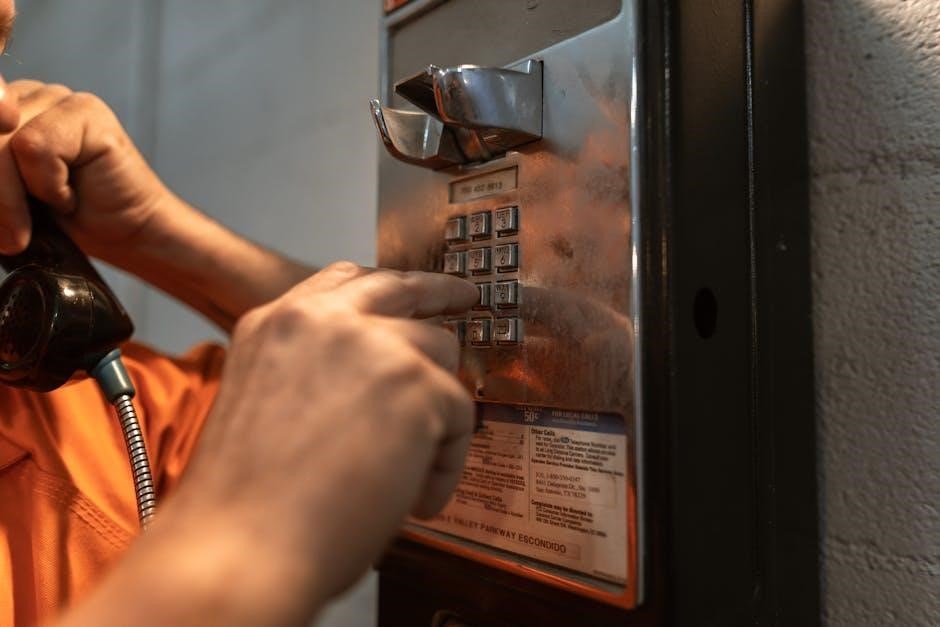
LiftMaster keypads offer a convenient, keyless entry solution for your garage door, enhancing security and accessibility․ These devices allow authorized users to open and close the garage door using a personal identification number (PIN) code, eliminating the need for physical keys․ Understanding the basic functions and components of your LiftMaster keypad is crucial for successful programming and troubleshooting․
Keypads typically feature a numeric keypad for PIN entry, an Enter button to confirm the code, and indicator lights to signal status updates․ Different models, like the 877LM wireless keypad, offer varying features and programming methods․ The keypad communicates wirelessly with your LiftMaster garage door opener, utilizing a secure rolling code technology to prevent unauthorized access․ Regularly reviewing this manual will help you maximize the benefits of your LiftMaster system and maintain its optimal performance․
Keypad Models and Compatibility
LiftMaster offers a range of keypads designed for various garage door opener models․ Popular options include the 877LM, a wireless keypad known for its ease of installation and use, and wired keypads offering a direct connection to the opener unit․ Compatibility depends on your garage door opener’s receiver and rolling code technology․
Generally, LiftMaster keypads are compatible with openers manufactured after 1993 that utilize a rolling code system․ However, it’s essential to verify compatibility before purchasing a new keypad․ Check your garage door opener’s manual or the LiftMaster website for a compatibility chart․ Ensure the keypad’s frequency matches your opener’s receiver frequency for seamless operation․ Using an incompatible keypad may result in programming failures or security vulnerabilities, so careful consideration is vital․

Identifying the Learn Button on Your Opener
Locating the “Learn” button is crucial for programming your LiftMaster keypad․ This button establishes communication between the keypad and your garage door opener․ The button’s color and location vary depending on your opener model, but it’s typically found on the motor unit itself․
Older openers often have a yellow “Learn” button, while newer models may feature a purple or red one․ It’s usually positioned on the back or side of the motor unit․ The button is often labeled clearly, but if not, consult your opener’s manual․ Pressing and releasing the “Learn” button activates a 30-second window for programming․ Within this timeframe, you’ll enter the PIN code on the keypad to complete the pairing process․ Remember to act quickly!
Programming a New PIN Code
Establishing a secure PIN is vital for controlling access to your garage․ To program a new PIN code on your LiftMaster keypad, begin by entering any existing programmed PIN․ Then, press and hold the “#” button until the keypad’s light on the garage door opener flashes three times․ This indicates the system is ready to accept a new code․
Next, enter your desired four-digit PIN code․ After inputting the code, press the “Enter” button to confirm․ The keypad will signal successful programming with an audible tone or visual confirmation․ Alternatively, after entering a 4-digit PIN, hold the ‘Enter’ button until the lights stop blinking․ Remember to choose a code not easily guessed!
Step-by-Step Programming Instructions
Follow these precise steps to successfully program your LiftMaster keypad․ First, ensure the keypad has power and is functioning correctly․ Begin by entering a previously programmed PIN code – if none exists, proceed to the next step․ Press and hold the “#” button on the keypad until the garage door opener’s light flashes, signaling programming mode․
Now, carefully enter your new, desired four-digit PIN code using the keypad buttons․ Once entered, press the “Enter” button to save the new code․ The keypad should confirm successful programming with a light flash or audible beep․ If programming fails, repeat the process, ensuring each digit is entered correctly within the 30-second timeframe․ Test the new PIN immediately to verify functionality․
Using the Learn Button for Initial Programming
For first-time programming or when a reset has cleared existing codes, utilize the “Learn” button on your LiftMaster garage door opener․ Locate the Learn button – it’s typically yellow or orange․ Press and release this button; the opener’s light will illuminate, indicating it’s in learning mode․
Within 30 seconds, enter a four-digit PIN code on the keypad․ After inputting your desired code, firmly press the “Enter” button․ The garage door opener’s light should flash several times, confirming successful code learning․ If the light doesn’t flash, repeat the process, ensuring you’re within the 30-second window․ This method establishes the initial connection between the keypad and the opener․
Changing Your Existing PIN Code
Updating your PIN provides enhanced security and peace of mind․ To change your existing code, begin by entering a currently programmed, valid PIN code on the keypad․ Once accepted, immediately press and hold the “#” (pound) button on the keypad until the keypad’s lights cease blinking․ This action puts the system into PIN change mode․
Next, input your new, desired four-digit PIN code․ Following the entry of the new code, press the “Enter” button to finalize the change․ The keypad’s light should flash, confirming the successful update․ Verify the new code functions correctly before relying on it for access․ Remember to keep your new PIN confidential!
Resetting Your Keypad – When and Why
Resetting your LiftMaster keypad becomes necessary in several scenarios․ Moving into a new home where the previous PIN is unknown is a common reason․ If you’ve forgotten your current PIN, a reset is required to regain access․ Suspecting a compromised code – perhaps a former resident still knows it – also necessitates a reset for security․
Resetting effectively clears all programmed PINs, returning the keypad to its factory default state․ This means you’ll need to reprogram it entirely․ It’s a crucial step to prevent unauthorized entry․ Remember, resetting without the old code involves utilizing the garage door opener’s “Learn” button and following the programming sequence as if it were a new keypad․

Resetting Without the Old Code
Fortunately, resetting your LiftMaster keypad doesn’t always require knowing the existing PIN․ This is particularly useful when moving into a new home or if the code has been completely forgotten․ The process involves utilizing the “Learn” button located on your garage door opener motor unit․ Press and release this button – it’s typically yellow or orange․
Immediately after pressing the Learn button, you have a 30-second window to initiate the programming sequence on the keypad․ Enter a new, four-digit PIN code using the keypad buttons․ Following PIN entry, press and hold the “Enter” button until you observe a change in the keypad’s indicator light, confirming successful programming․ This effectively overwrites any previously stored codes․
Troubleshooting Reset Issues
If your LiftMaster keypad reset isn’t working, several factors could be at play․ First, ensure you’re acting quickly after pressing the “Learn” button on the opener – the 30-second window is crucial․ Secondly, verify the opener’s antenna is unobstructed for a strong signal․ Weak batteries within the keypad itself can also hinder the process; replace them with fresh ones․
If the issue persists, try clearing the keypad’s memory by pressing and holding the “#” and “*” buttons simultaneously until the lights cease blinking․ Then, repeat the reset procedure․ If still unsuccessful, consult the LiftMaster website or contact customer support, as a more complex issue with the opener’s receiver might exist․
Keypad Lighting and Battery Information
Your LiftMaster keypad utilizes lighting to confirm programming and provide visibility in low-light conditions․ Flashing lights indicate programming mode or successful code entry․ If the lighting is dim or absent, it’s a strong indicator that the batteries need replacing; Most models require a 9-volt battery, easily accessible within the keypad housing․
Regular battery checks – at least twice a year – are recommended to prevent unexpected keypad failures․ Use a fresh, high-quality battery for optimal performance․ When replacing, ensure correct polarity․ A failing battery can also cause intermittent issues with code recognition․ Proper battery maintenance extends the keypad’s lifespan and ensures reliable operation․
Troubleshooting Common Keypad Problems
Encountering issues with your LiftMaster keypad? Several common problems have straightforward solutions․ If the keypad isn’t responding, first check the battery – a depleted battery is the most frequent cause․ Ensure the battery is installed correctly․ If the PIN code isn’t working, double-check the entered digits and confirm you’re pressing the ‘Enter’ button after input․
If problems persist, try reprogramming the keypad following the instructions in this manual․ Interference from other wireless devices can occasionally cause issues; try relocating the keypad slightly․ Remember to reset the keypad if you’ve moved or suspect a compromised code․ For persistent problems, consult the official LiftMaster website or contact customer support․

Keypad Not Responding
Is your LiftMaster keypad completely unresponsive? The most common culprit is a dead or weak battery․ Begin by replacing the battery with a fresh one, ensuring correct polarity during installation․ If a new battery doesn’t resolve the issue, inspect the keypad for any physical damage, such as cracks or water intrusion․
Check for potential wireless interference from other devices operating on similar frequencies․ Try temporarily moving the keypad to a different location to see if it restores functionality․ If the keypad still fails to respond, attempt a reset – though this may require knowing the existing PIN․ If all else fails, consult the official LiftMaster support resources for further assistance and potential repair options․
PIN Code Not Working
Experiencing issues with your LiftMaster keypad PIN code? First, double-check that you are entering the correct four-digit code․ Remember that PIN codes are case-sensitive, though keypads typically only accept numbers․ If you’ve recently changed the code, ensure you’re using the new one and haven’t accidentally reverted to the old setting․
If the code is correct, the keypad might need reprogramming․ Try the reset procedure, which may require pressing the Learn button on your garage door opener․ If you’ve forgotten the PIN, a full reset is necessary, potentially requiring access to the garage door opener itself․ Consult LiftMaster’s official documentation or customer support for detailed reset instructions specific to your model․
Wireless Keypad Models (877LM) – Specific Instructions
The LiftMaster 877LM wireless keypad requires a slightly different programming approach due to its wireless connectivity․ Begin by ensuring the keypad has fresh batteries for optimal performance․ Locate the “Learn” button on your garage door opener unit – it’s typically yellow or orange․ Press and release this button to activate learning mode․
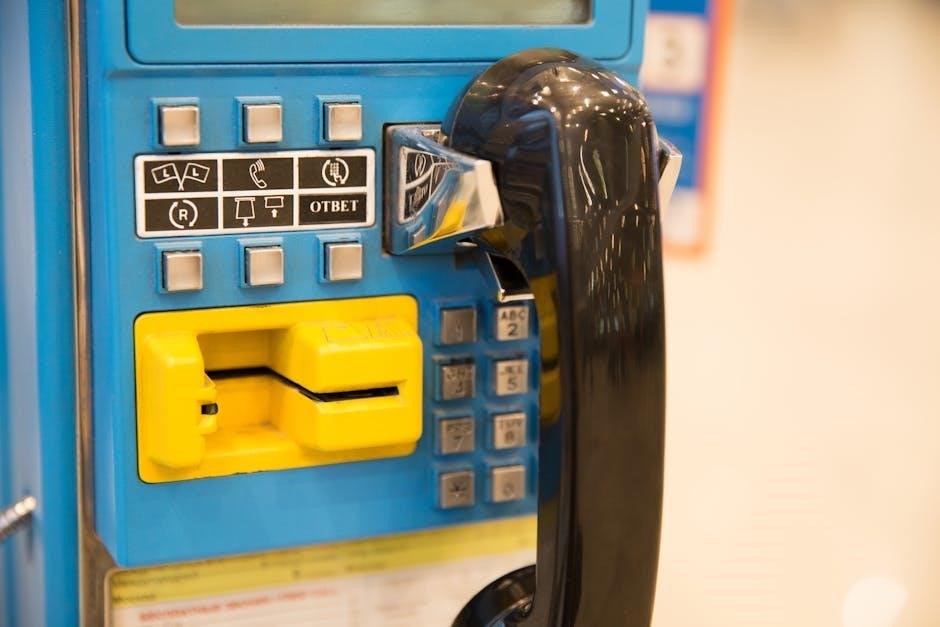
Next, on the 877LM keypad, enter a four-digit PIN code followed by the “Enter” button․ Hold the “Enter” button until the garage door opener’s light flashes, indicating successful programming․ If it doesn’t work, repeat the process, ensuring you’re within range of the opener․ This model benefits from clear line of sight during initial setup․
Programming Multiple Keypads
Adding additional LiftMaster keypads to your garage door system offers enhanced convenience for family members or trusted individuals․ Each keypad requires a unique PIN code for security․ Begin by programming one keypad following the standard instructions – utilizing the “Learn” button on the garage door opener․ Once the first keypad is successfully programmed, repeat the process for each subsequent keypad․
Crucially, you must initiate the programming sequence for each keypad individually․ The opener can typically store multiple keypad codes, but exceeding the limit will require deleting an existing code to add a new one․ Ensure each keypad responds correctly after programming to confirm successful addition to the system․
Safety Precautions When Programming
Prioritize safety during the programming process to prevent accidental garage door operation or unauthorized access․ Always ensure the garage door is fully visible and free of obstructions – vehicles, people, or pets – before initiating any programming steps․ Keep a safe distance from the door itself during testing of new PIN codes․
Never share your PIN code with individuals you do not fully trust․ Regularly changing your PIN code enhances security․ If you suspect your code has been compromised, immediately reset it․ Avoid using easily guessable PINs, such as birthdates or consecutive numbers․ Be mindful of your surroundings during programming, and discontinue if you feel unsafe․
Understanding Keypad Error Codes
Keypad error codes indicate specific issues requiring attention․ While specific codes vary by model, common signals include rapidly flashing lights, indicating a programming error or communication failure․ A solid, unchanging light might suggest a low battery․ If the keypad fails to respond, check the battery first, as this is a frequent cause․
Consult your LiftMaster owner’s manual for a comprehensive list of error codes specific to your keypad model․ Online resources, including the LiftMaster website, also provide detailed explanations․ If an error persists after troubleshooting, contact LiftMaster customer support for assistance․ Documenting the error code before contacting support will expedite the resolution process․
Maintaining Your Keypad for Longevity

Regular maintenance extends your LiftMaster keypad’s lifespan․ Periodically clean the keypad surface with a damp cloth to remove dirt and debris, ensuring buttons remain responsive․ Replace the batteries proactively, even if the low battery indicator hasn’t illuminated, to prevent unexpected failures․ Avoid exposing the keypad to extreme temperatures or direct moisture․
Inspect the keypad housing for cracks or damage․ Tighten any loose screws․ Consider applying a silicone-based lubricant to the buttons if they become stiff․ Store a spare keypad indoors, protected from the elements, as a backup․ Following these simple steps will ensure reliable operation for years to come․
Finding Additional Resources & Support
Need further assistance? LiftMaster offers a wealth of resources to support your keypad experience․ The LiftMaster Official Website provides detailed FAQs, downloadable manuals, and troubleshooting guides for various keypad models․ You can often find video tutorials demonstrating programming and reset procedures․
For personalized support, Customer Support Contact Information is readily available online․ You can reach LiftMaster via phone or email, and their knowledgeable representatives can address specific concerns․ Online forums and communities dedicated to garage door openers can also offer valuable insights and peer-to-peer assistance․ Don’t hesitate to utilize these resources for a seamless experience․
LiftMaster Official Website
Access a comprehensive support hub at the official LiftMaster website! This online resource is packed with valuable information tailored to your keypad model․ You’ll discover an extensive library of downloadable manuals, offering in-depth explanations of features and functions․ Explore frequently asked questions (FAQs) addressing common issues and providing quick solutions․
Furthermore, the website hosts a collection of helpful video tutorials demonstrating step-by-step programming, resetting, and troubleshooting procedures․ Utilize the model number search function to pinpoint resources specific to your LiftMaster keypad․ The official website is your first port of call for reliable and accurate information, ensuring a smooth and efficient experience with your garage door access system․
Customer Support Contact Information
Need personalized assistance? LiftMaster provides dedicated customer support to address your keypad concerns․ For immediate help, call their toll-free support line at 1-800-348-2256․ This connects you directly with a knowledgeable representative ready to guide you through programming, resetting, or troubleshooting steps․
Alternatively, you can access online support through the LiftMaster website’s contact form, submitting your query and receiving a prompt response via email․ Be prepared to provide your keypad model number and a detailed description of the issue․ LiftMaster’s support team is committed to ensuring your satisfaction and resolving any challenges you may encounter with your garage door keypad system efficiently and effectively․